Easily customize delivery confirmation messages & send custom one-off SMS
Using the built-in delivery confirmation page to send 1-click email & SMS delivery notifications to your customers?
It's now easier than ever to quickly edit the confirmation message and save it as the new default —
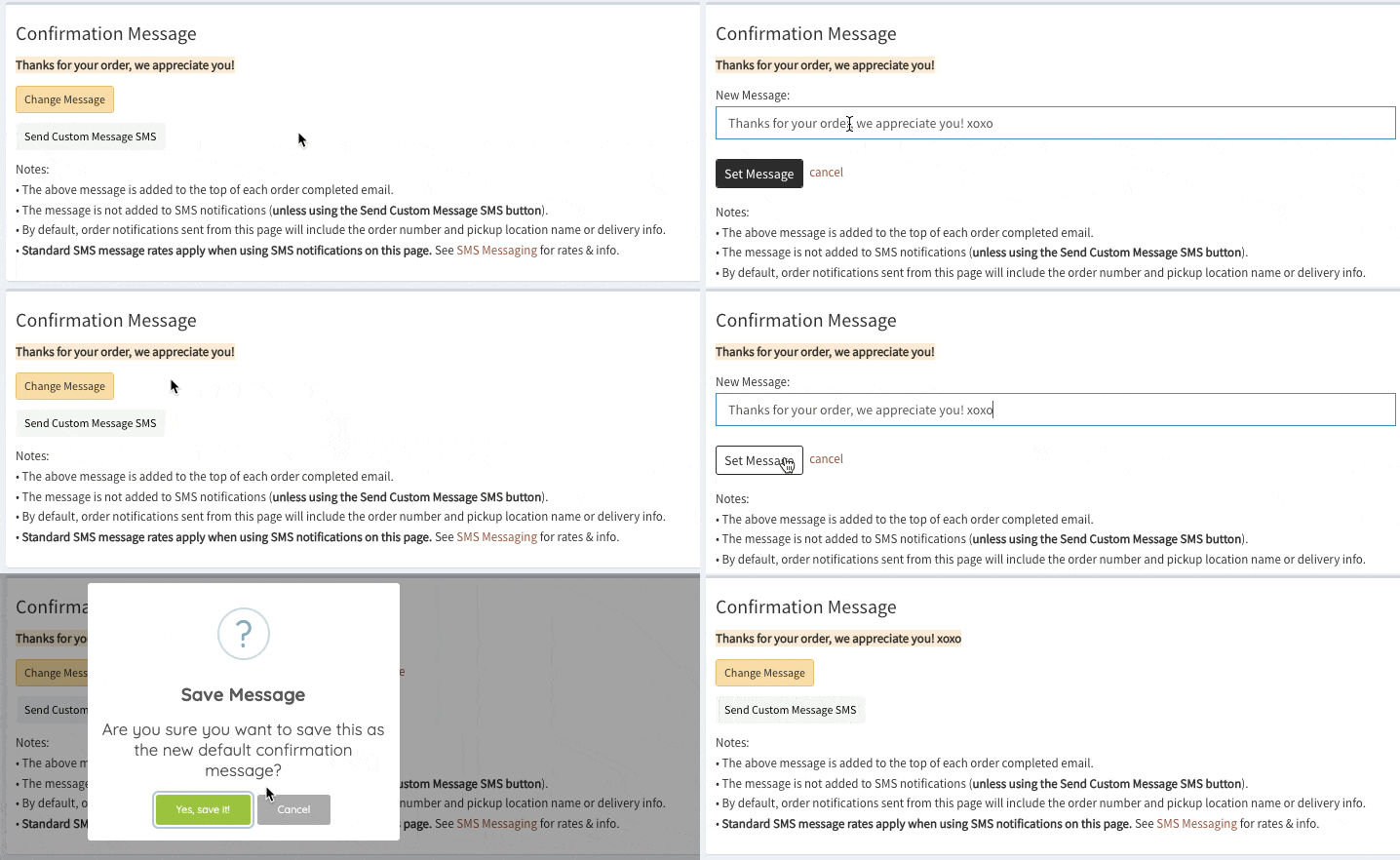
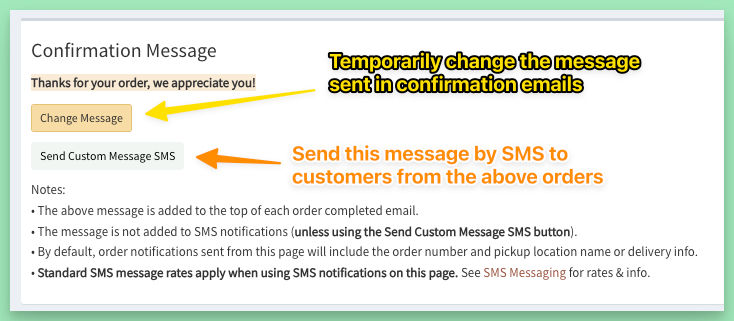
Use the Change Message button to temporarily edit the confirmation message.
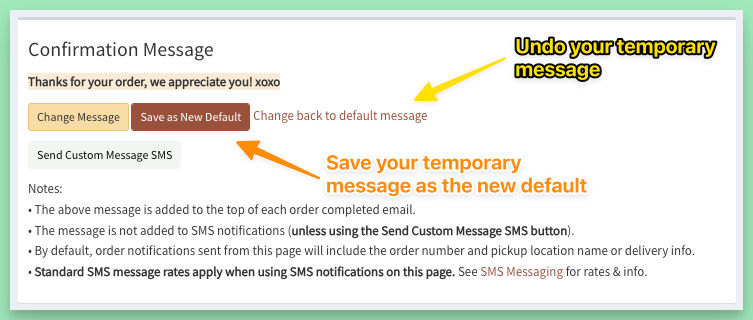
Use the new Save as New Default button to lock in this edit.
Use the Send Custom Message SMS button to send the message to the customers with orders currently selected by Menu/Location/Schedule filters.