Automatic discounts for everyone!
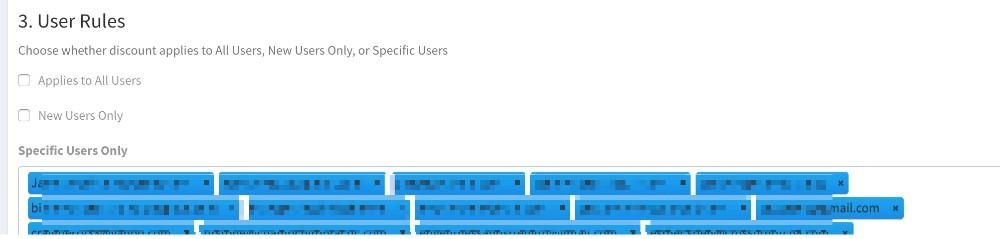
Previously, you could only do automatic discounts for specific customers. This is especially useful when doing a large discount for, say gym owners. As a refresher, to do this, when editing the discount, under Section 3. User Rules, click into the Specific Users Only box and type or select the customers that should get that discount automatically.
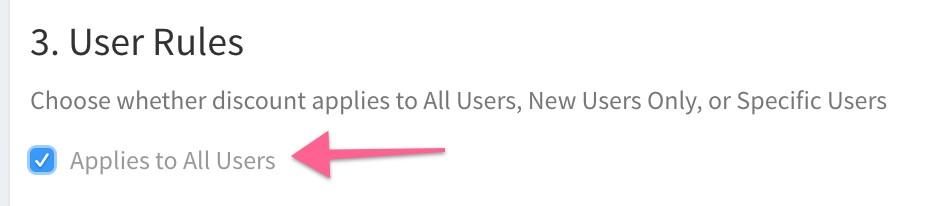
NEW! - Now, you can also do an automatic discount that can be used by anyone. Simply check the Applies to All Users box when editing your discount.
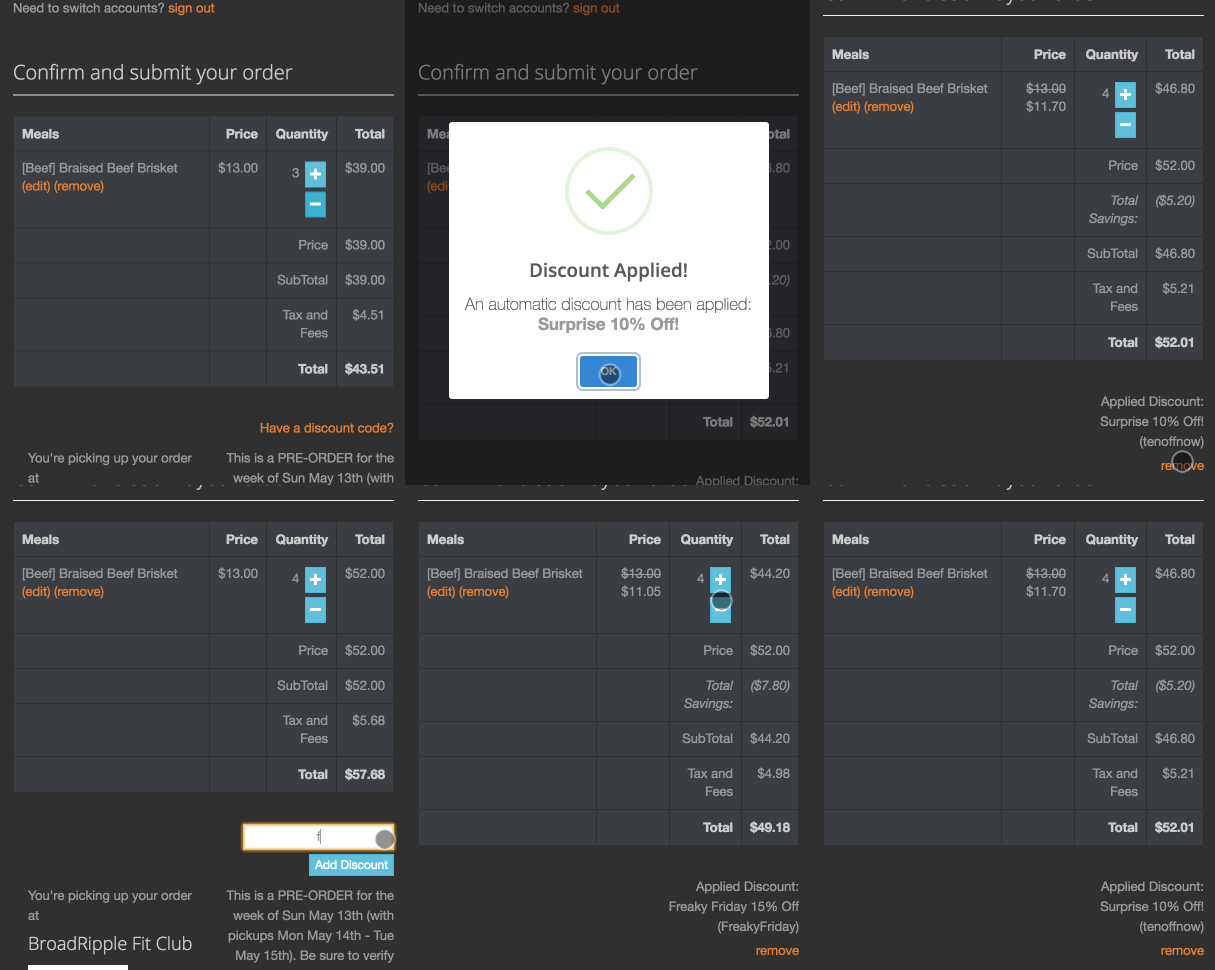
Even if the discount is applied automatically, the customer can now also remove the discount and apply a different one instead. Likewise, if they have another discount applied and remove that one, the automatic one will then be applied (as long as any conditions are met).
A few things to note - it's best to only have 1 automatic discount available at a time. If you have a use case for allowing multiple ones at once, please let me know so we can investigate supporting that feature.