Auto Email Report
Need your monthly sales report sent by email? Want to run a bunch of reports and not wait for them to load? Are you running the sales reports and sending them to someone else to review?
We've got you covered with this update!
Simply toggle on the Auto Email Report setting now available on any monthly sales report, and you'll get a copy of the report by email after running it.
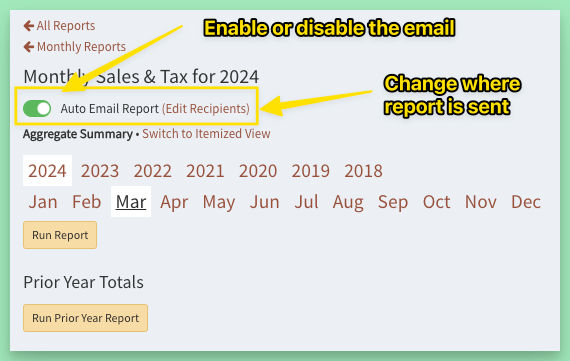
By default, the report will be sent to the site support address. Click Edit Recipients to change this. The recipients list and Auto Email enabled status is remembered across sessions.
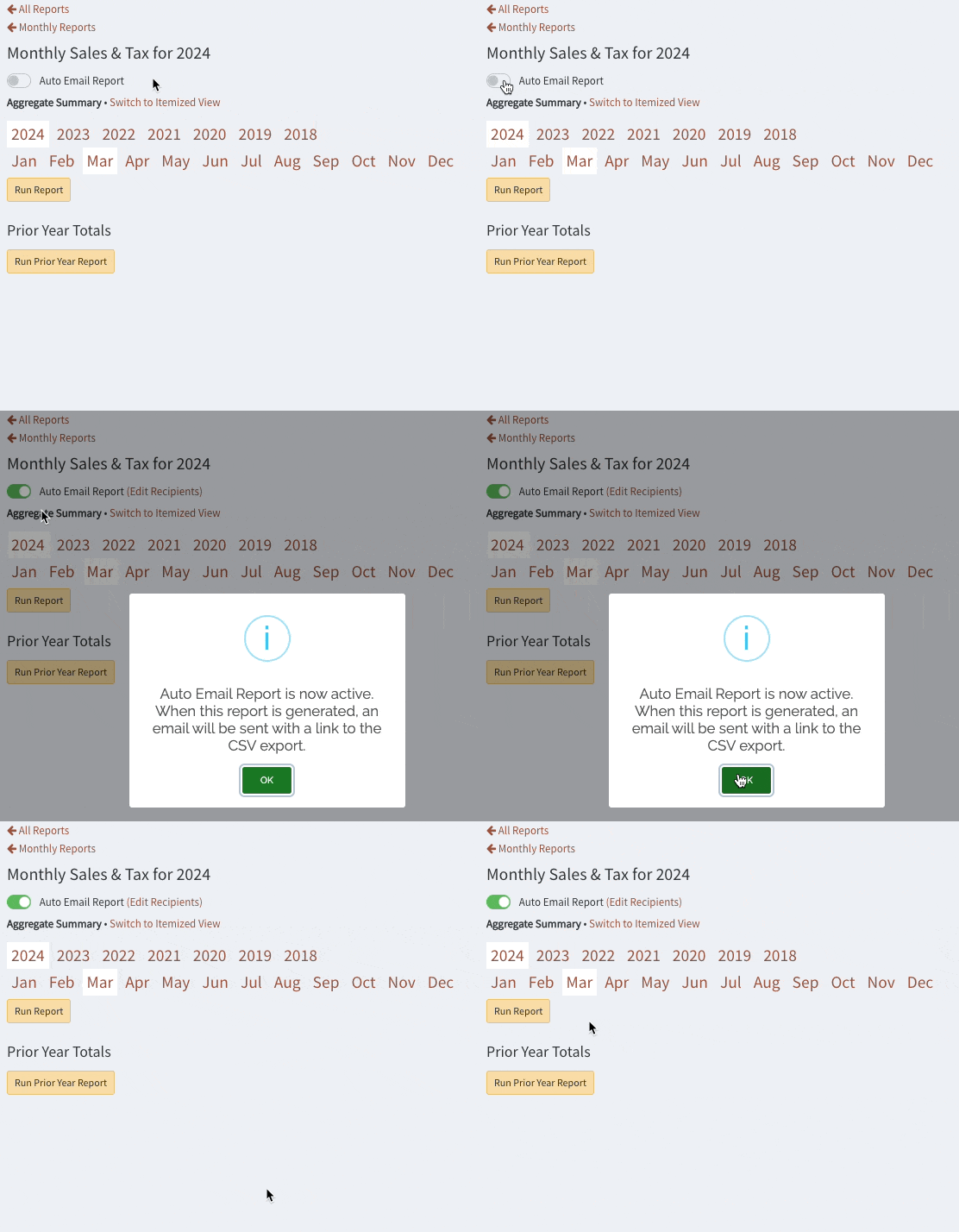
If you don't want to view the report on the site, you can safely close the page or continue on with other work after starting the report with the Run Report button.
Note that if you disable the Auto Email setting before a report finishes, it will not send the email.